-
01
Rent a VPS
Linux with a root login, 1 GB of memory and 10 GB of disk or more. The cheapest plan from any host is enough.
-
02
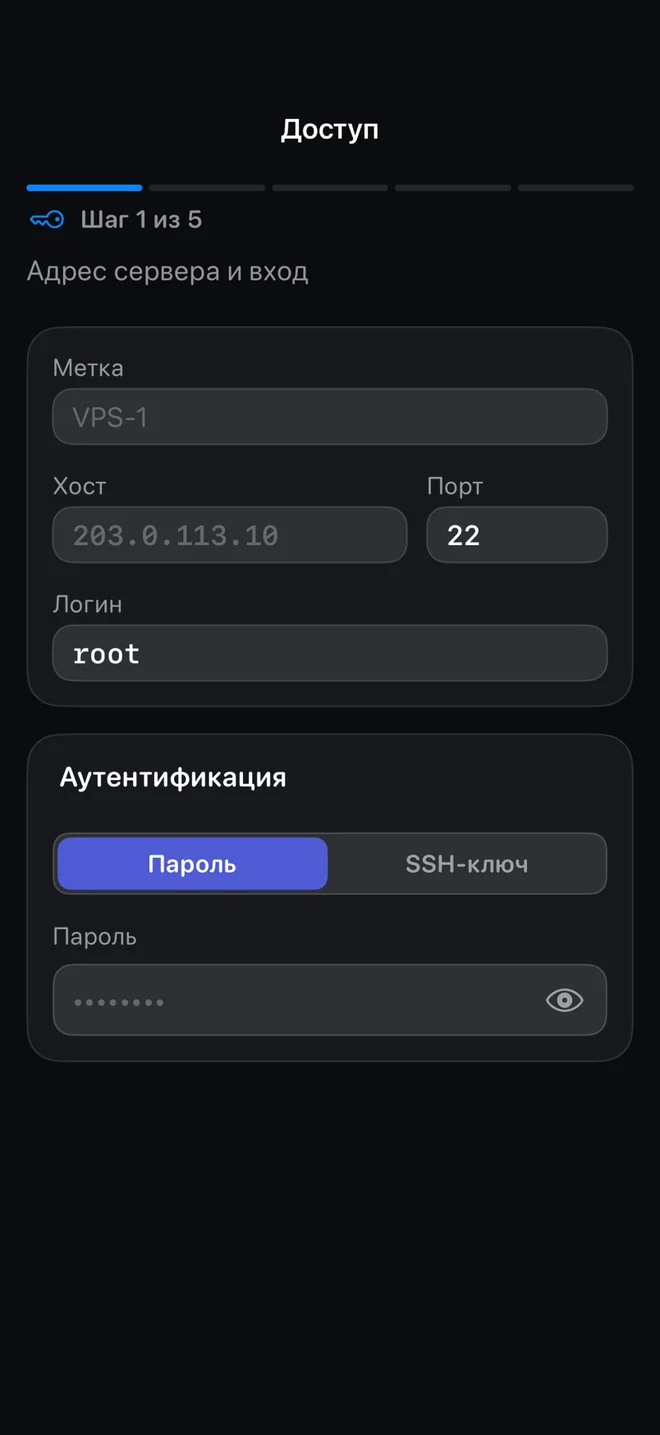
Give olcOS the address and password
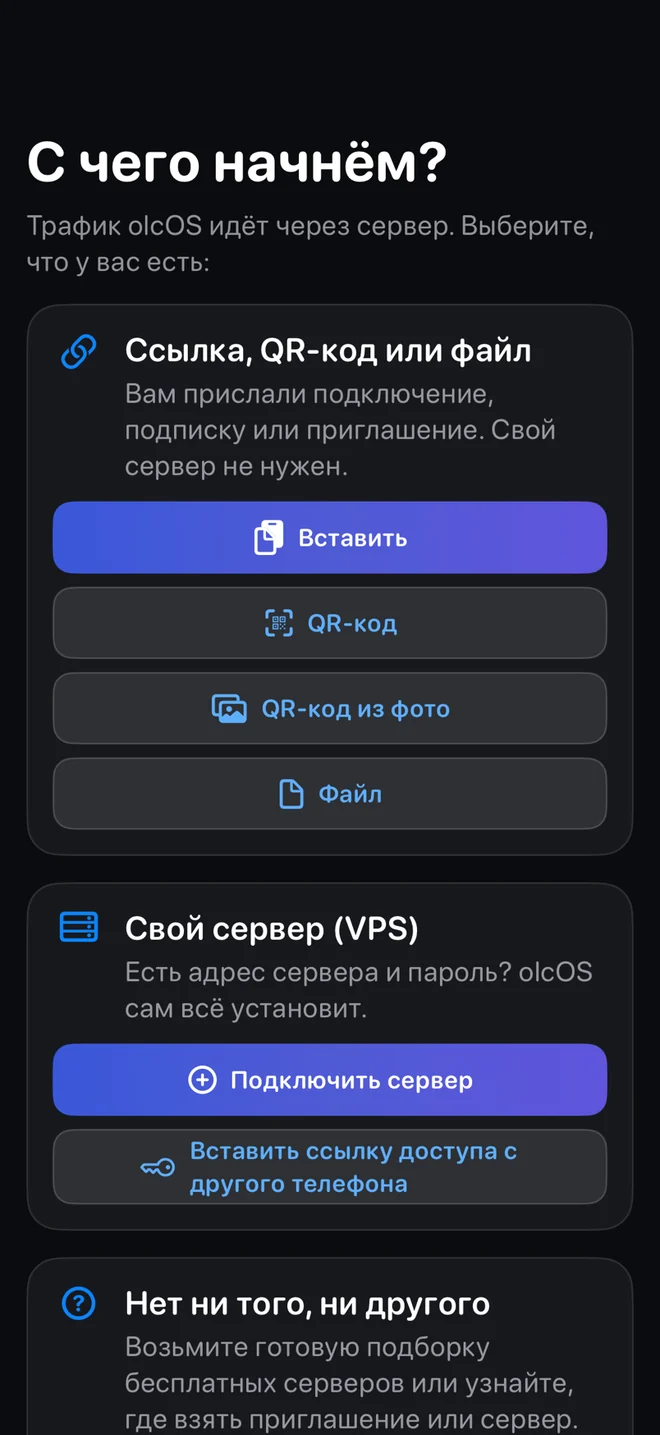
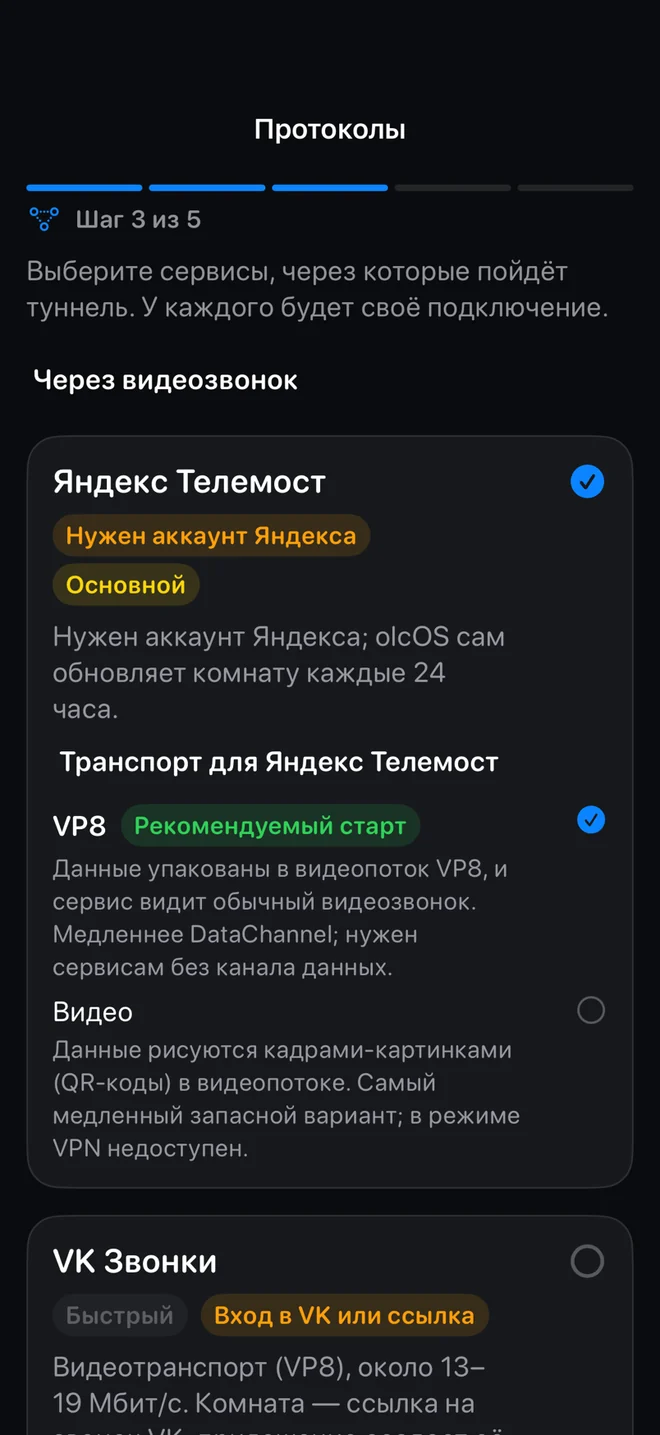
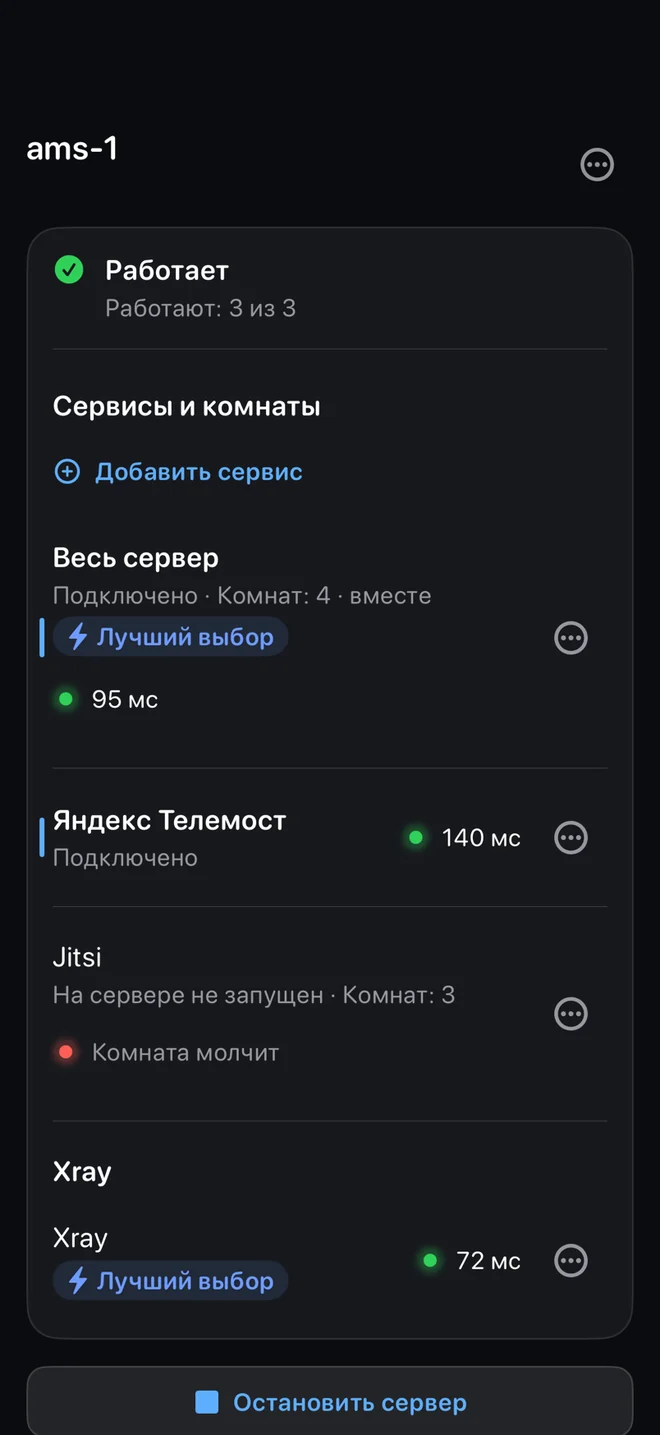
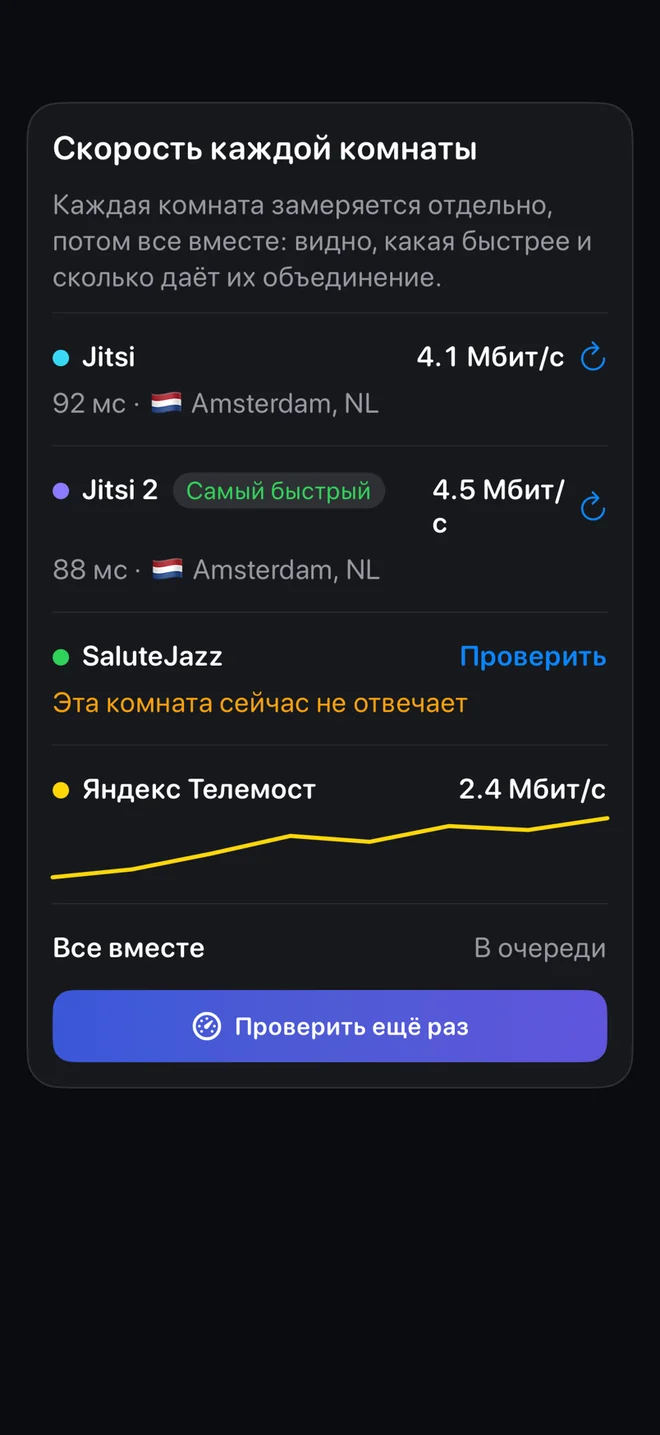
Tap + → My own server (VPS). Pick several calling services: there’s no telling in advance which one your carrier lets through. Setup takes a few minutes.
-
03
Connect and share
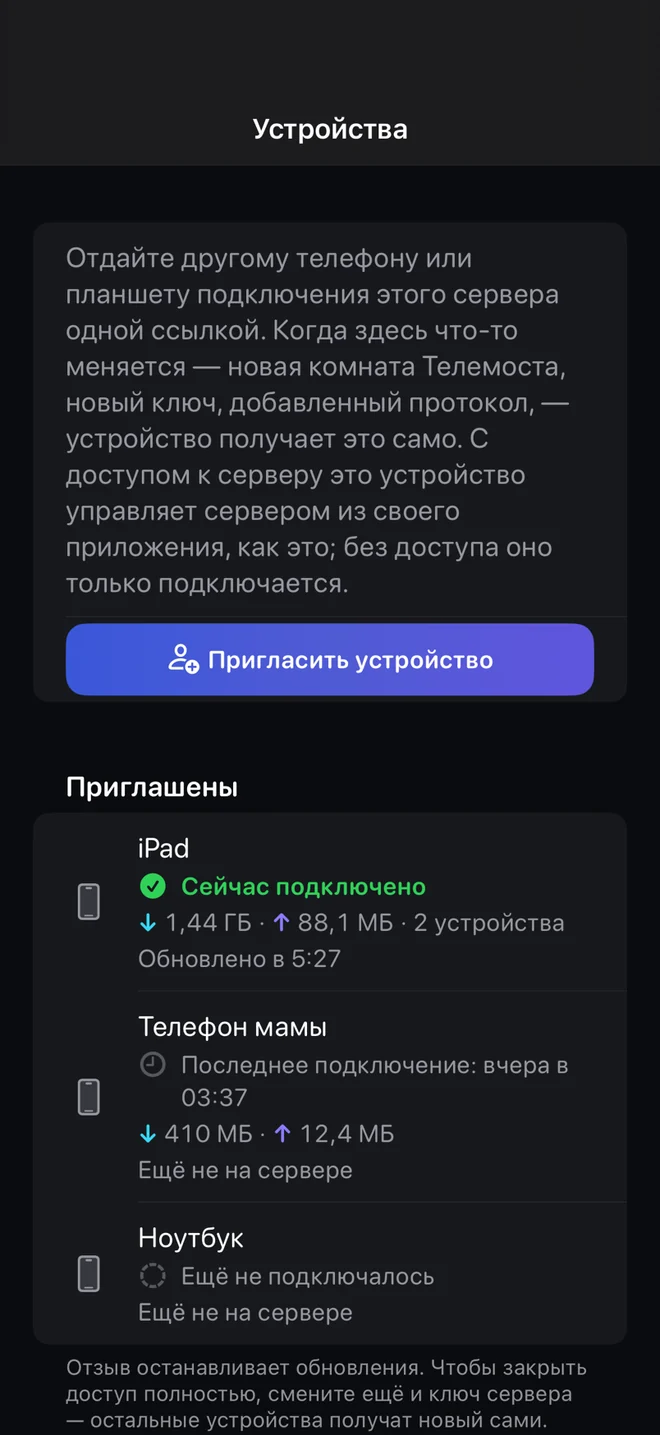
Your phone becomes the server’s owner. Send invites to your family: each device gets its own link.
Prefer a terminal? Run one command on the server:
$ curl -fsSL https://raw.githubusercontent.com/olcOS/olcos/main/install.sh |
  sudo bash
The script finds a Jitsi server that lets your VPS in, and at the end shows a QR code: scan it in olcOS and your phone becomes the server’s owner. Set the server up over normal internet or Wi-Fi: installation needs a direct connection from the phone. The service, the Jitsi server, the frame rate and other settings are environment variables, described at the top of the script.